Style: Change Free and Planar Curve to Curve on Surface
Creo+
User Interface Location: Click  Style >
  Curve > > Curve or
  Curve Edit.
Style > Curve > > Curve or Curve Edit.Videos
Description
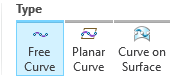
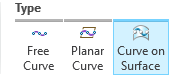
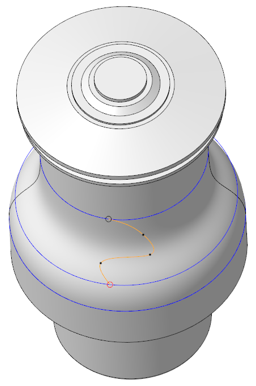
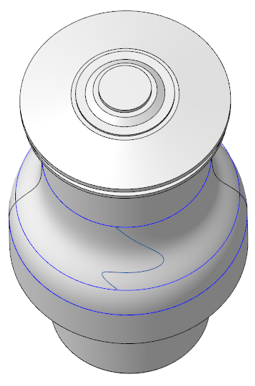
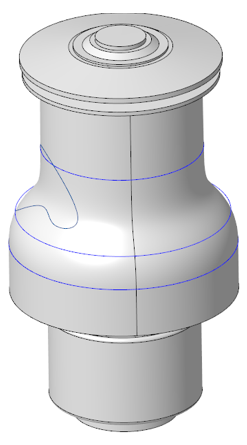
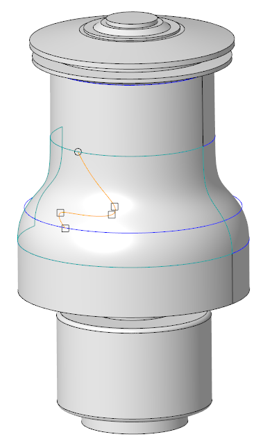
In Creo+, you have the new ability to switch an already defined Free Curve or  Planar Curve to a
  Curve on Surface (COS). If you want to change the curve type after you begin defining the curve, you can do so by simply clicking another curve type in the same user interface, and selecting a reference if required. Additionally, you can go back at any time and switch the curve type.
Free Curve or Planar Curve to a Curve on Surface (COS). If you want to change the curve type after you begin defining the curve, you can do so by simply clicking another curve type in the same user interface, and selecting a reference if required. Additionally, you can go back at any time and switch the curve type.Previously, once you began defining the curve as Free or Planar, the Curve on Surface curve type became unavailable. You could change a COS to a Free curve, but you could not change a Free curve to a COS.
Free curve: | Curve on Surface: |
 |  |
 |  |
 |  |
Benefits
More efficient workflow for changing the curve type
Additional Information
Tips: | None. |
Limitations: | No known limitations. |
Does this replace existing functionality? | No. |
Configuration option associated with this functionality: | None. |