Improved Selection for All Bodies and Quilts in the Design Tree
Creo+
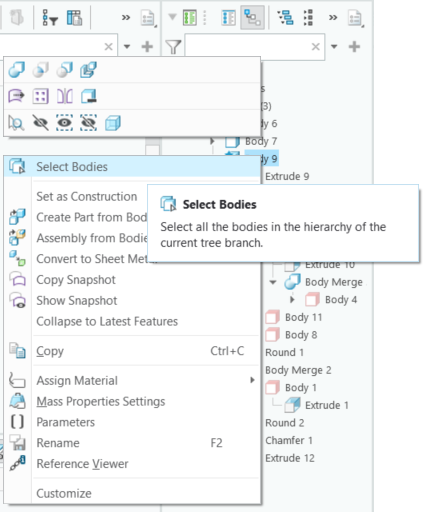
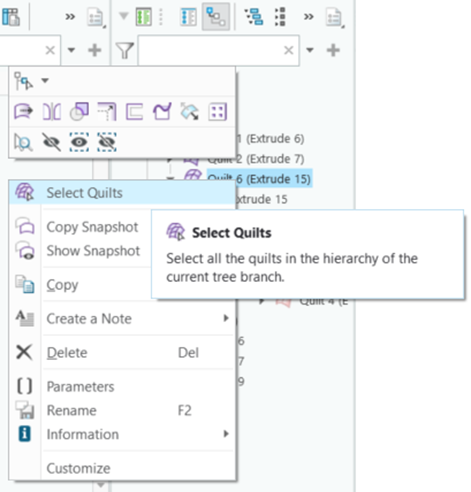
User Interface Location: Right-click a quilt or body node in the Quilt/Body Evolution view of the Design Tree.
Videos
Description
In Creo+, all bodies and all quilts can now be selected in directly from in the Design Tree. Right‑click a body or quilt node in the Quilt/Body Evolution view to select all bodies or all quilts within the current branch.
The capabilities of this enhancement include:
• The quick selection enables streamlined selection and visibility control without expanding the entire tree or manually selecting each item.
• Adds the selected bodies or quilts directly to the selection buffer.
• Enables the selection to be combined with visibility commands to quickly perform other operations such as Hide or Show.

Benefits
Improves efficiency by eliminating the need to expand branches and perform item‑by‑item selection.
Additional Information
Tips: | None. |
Limitations: | No Limitations |
Does this replace existing functionality? | No. |
Configuration option associated with this functionality: | None. |