Composite Design Reuse with Copy Paste
Creo+
User Interface Location: In a part that contains at least one composite feature:
1. Select the composite feature to copy.
2. Click  Copy. Alternatively, use the shortcut Ctrl+C.
Copy. Alternatively, use the shortcut Ctrl+C.3. In the part where you want to copy the composite feature, click  Paste Special from the Paste Options. Alternatively, use the shortcut Ctrl+Shift+V.
Paste Special from the Paste Options. Alternatively, use the shortcut Ctrl+Shift+V.Videos
Description
You can now reuse composite designs by applying Copy and Paste Special actions at the part level.
Copy and Paste Special actions at the part level.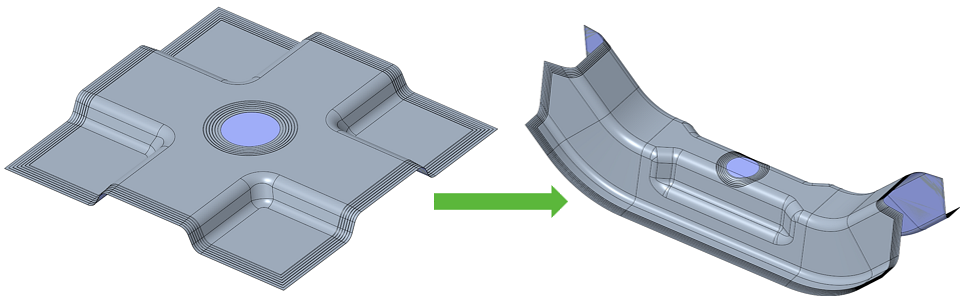
This enables you to copy a composite feature within the same part or to a different part, even if the layup surface is slightly different.
Benefits
This enhancement improves productivity by applying existing composite design logic to similar new parts. This reuse reduces repetitive work and ensures consistency.
Additional Information
Tips: | None. |
Limitations: | No known limitations. |
Does this replace existing functionality? | No. |
Configuration option associated with this functionality: | None. |