Lattice: Implicit Beams Lattice and Shell
Creo+
User Interface Location: Click > >  Lattice > > .
Lattice > > .For the shell, click > > > > .
For the blend size, click > .
Videos
Description
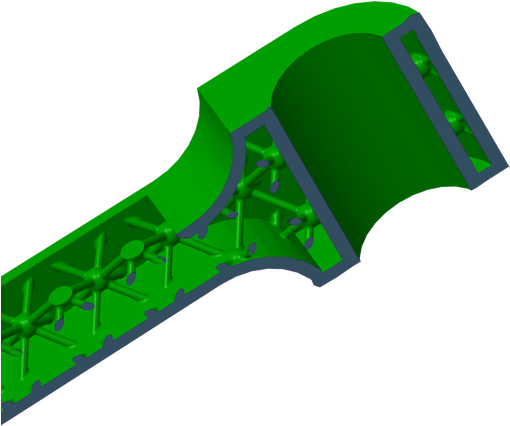
In CreoCreo+, you can now create implicit beams lattice and shells. This is an alternative method to create beams lattices, shell an object, and merge all of them together in one 3D printable object.
• The internal interfaces between beams can be blended.
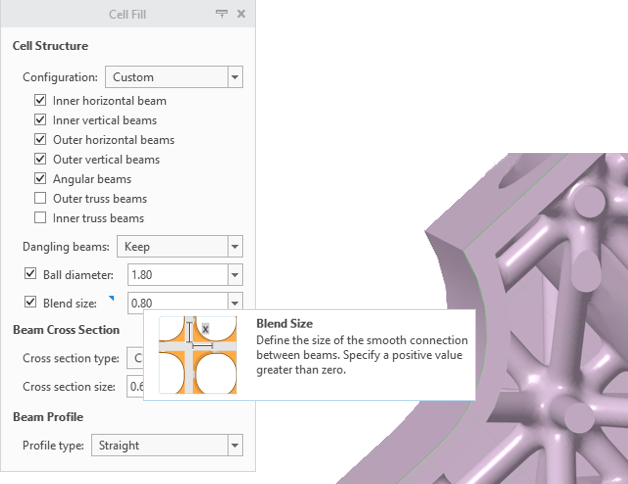
• The interface between the lattice and the shell can be blended.
Benefits
Constant shelling capability, ability to blend the lattice with the shell
Additional Information
Tips: | None. |
Limitations: | Edges and surfaces generated from implicit geometry cannot be used as reference entities for downstream features. |
Does this replace existing functionality? | No. |
Configuration option associated with this functionality: | None. |