Box Selection to Select Mesh Points in Style Surface Edit
Creo+
User Interface Location: Click  Style >
  Surface Edit.
Style > Surface Edit.Videos
If the video does not play, watch it on YouTube.
Description
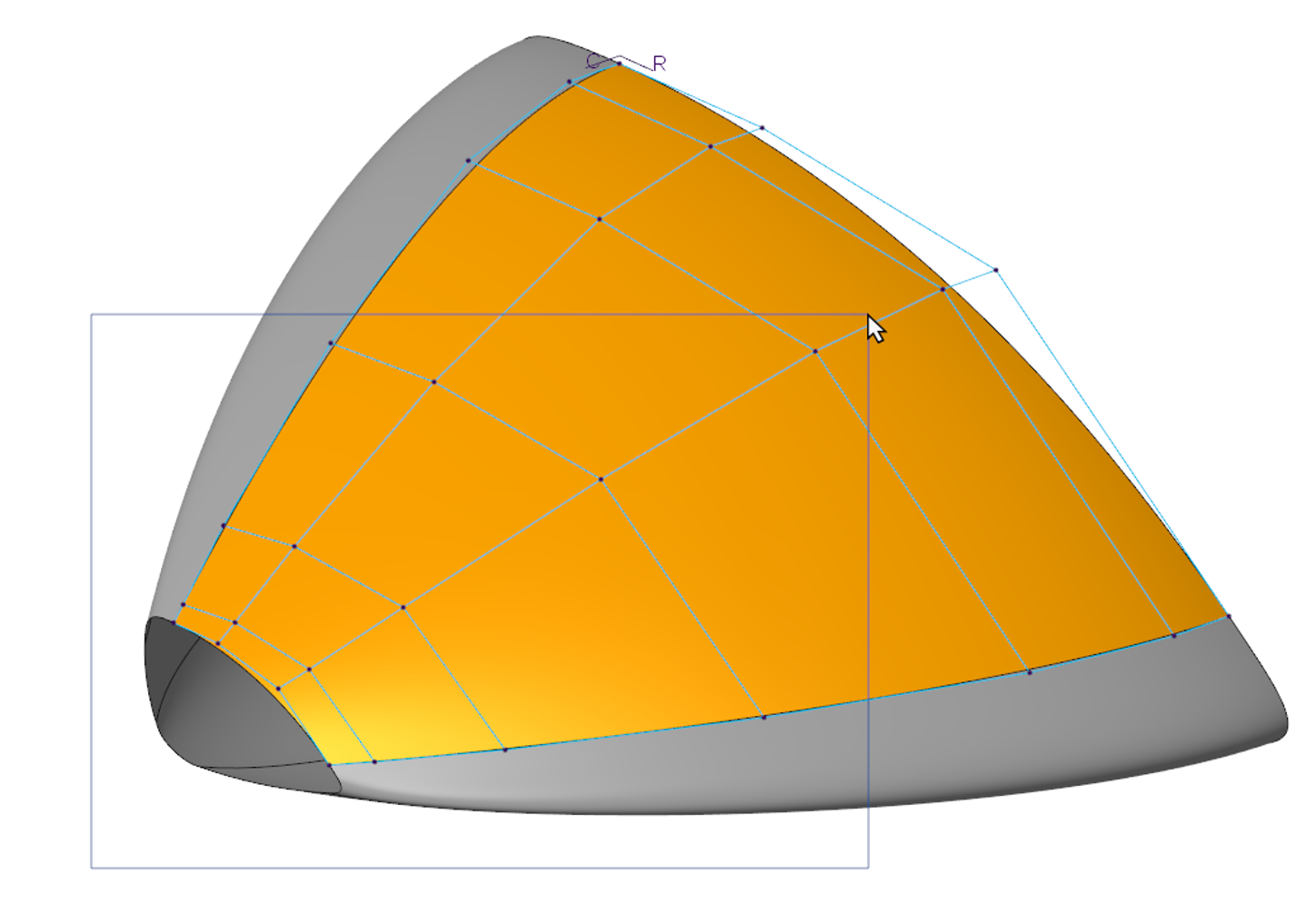
In Style, box selection has been added to the Surface Edit tool to help you select mesh points.
• You will now be able to use your mouse to drag a box to select a set of mesh points all at once, without the need to select them individually.
• Only mesh points on surfaces that were added as references in the Surface Edit tool will be available for box selection.
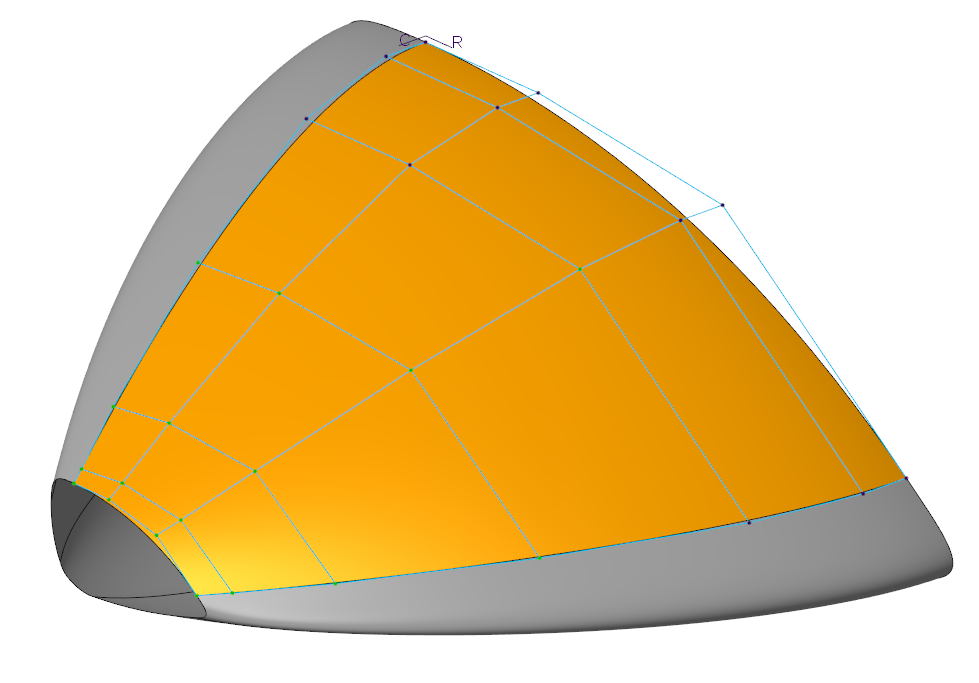
Dragging a box over a set of mesh points will automatically select the points, allowing you to manipulate the surface. Pressing the CTRL key and dragging a box will automatically:
• Select points that fall in the box and are not yet selected
• Deselect already selected points
Benefits
Easily select the desired mesh points to manipulate a surface.
Additional Information
Tips: | None. |
Limitations: | No known limitations. |
Does this replace existing functionality? | No. |
Configuration option associated with this functionality: | None. |