GD&T Advisor Enhancement: User Selectable Annotation Planes
Creo+
User Interface Location: When defining a functional feature, Active Annotation Plane is available under Placement, as shown below:

Videos
If the video does not play, watch it on YouTube.
Description
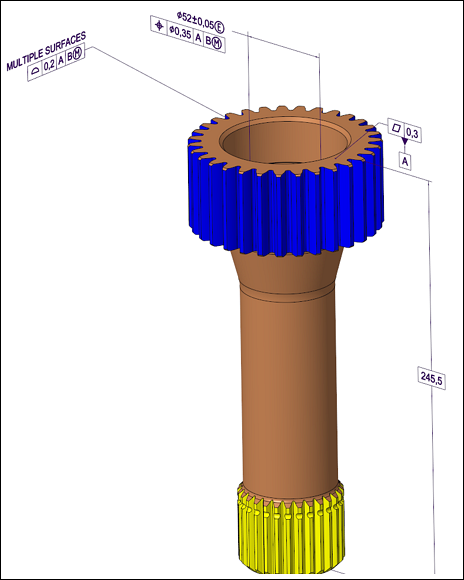
When defining a new functional feature in the GD&T Advisor, you can now control where to place the annotations generated by the GD&T Advisor.
• Automatic-Annotations are placed on the automatically selected plane by GD&T Advisor.
• Active Annotation Plane-Annotations are placed on the currently selected plane in the Annotate tab. To place annotations on a different plane, you can select the plane or create a new one in the Annotate tab.
Benefits
This enhancement provides you with greater flexibility and improved control over the creation of annotations when using the GD&T Advisor.
Additional Information
Tips: | When you select the Active Annotation Plane option, GD&T Advisor uses the last selected annotation plane in the Annotate tab to create annotations. |
Limitations: | No known limitations. |
Does this replace existing functionality? | No. |
Configuration option associated with this functionality: | None. |