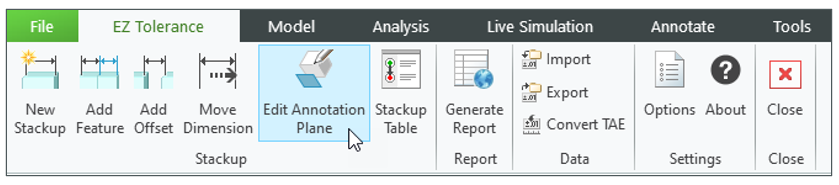
EZ Tolerance Analysis Enhancement: Allow Selection of an Alternate Annotation Plane
Creo+
User Interface Location: Click > ribbon.
Videos
If the video does not play, watch it on YouTube.
Description
Previously, it was not possible to change the annotation plane that was selected during a stackup creation without recreating the stackup. This enhancement enables you to change the currently used annotation plane on which the stackup annotations are placed.
Benefits
• Easily replace the annotation plane that is used for an existing stackup with an alternative plane.
• Less time spent on recreating stackups.
Additional Information
Tips: | The alternative annotation plane must be valid for the stackup direction. |
Limitations: | No known limitations. |
Does this replace existing functionality? | No. |
Configuration option associated with this functionality: | None. |