Export the Flat Pattern of Draped Plies
1. Click >  Export Flat Pattern. The Export Flat Pattern dialog box opens.
Export Flat Pattern. The Export Flat Pattern dialog box opens.2. Under Plies Per File, select Export all plies to the same file.
3. Under Plies Placement in the File, select Place plies with an offset from each other.
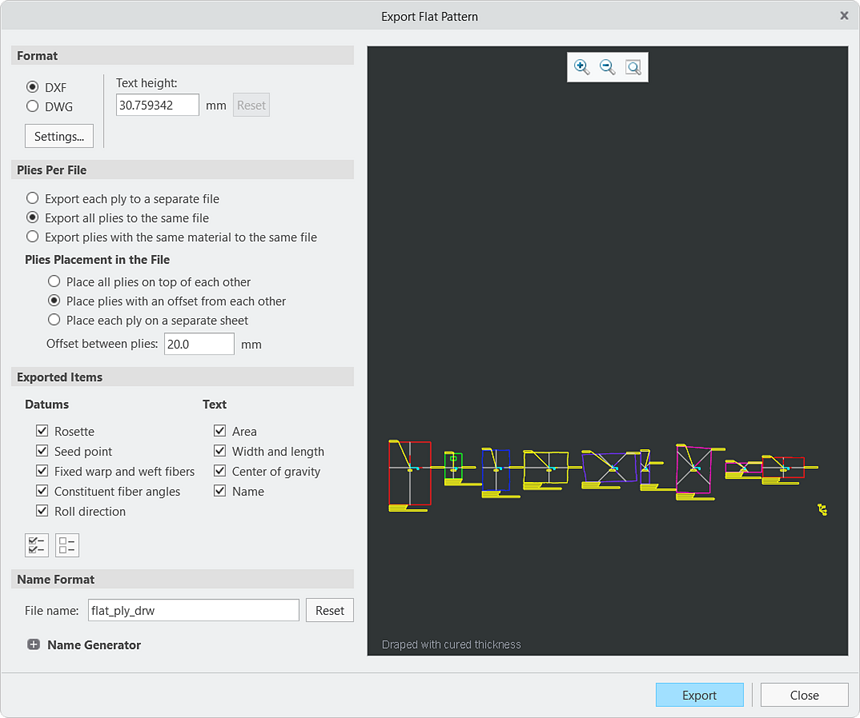
4. Click Export. The Save a Copy dialog box opens.
5. Click OK. The flat_ply_drw.dxf file is created in your working directory.