Assembling Profiles Between Two Points
1. In the Position Profile dialog box select reference method  between 2 points to place a profile between two points.
between 2 points to place a profile between two points.2. On the model select APNT 13 highlighted in next picture. If you do not see APNT 13 in your model, in Creo+ click View and then in the Show group click Point Display.
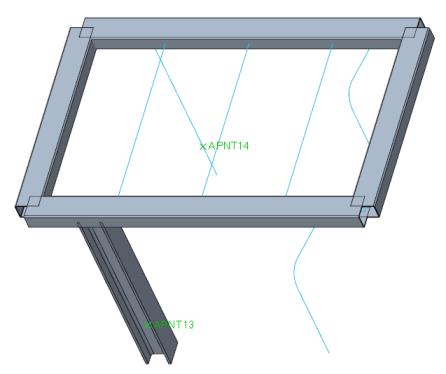
3. Select the second of the two points APNT 14
4. Click  to rotate profile and click Repeat.
to rotate profile and click Repeat.