About Analyzing Knots and Control Mesh
Use the  Knots tool to analyze the following types of curves or surfaces:
Knots tool to analyze the following types of curves or surfaces:• Spline
• B-spline
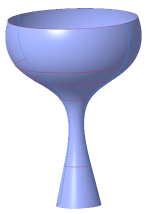
• Surface of revolution
• Fillet surface, usually created by variable rounds
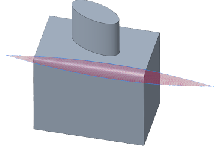
• Tabulated cylinder, created by extruding a spline
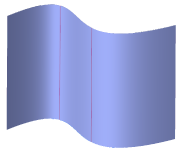
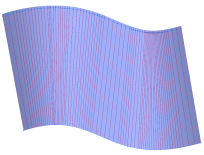
• Ruled surface, created by a draft, tangent draft, or variable pull direction draft
You can perform the following analyses:
Curves | Surfaces | |
|---|---|---|
Spline | Knots | Knots |
B-spline | • Knots • Control points • Both knots and control points | • Knots • Control mesh • Both knots and control mesh |
Surface of revolution | - | Knots |
Fillet | - | Knots |
Tabulated cylinder | - | Knots |
Ruled surface | - | Knots |
You can analyze one or more curves, or one or more surfaces, in the same analysis. You cannot analyze a mixed selection of curves and surfaces in the same analysis.
The degree of a curve, and the degree of the surface in each direction, appears in the analysis as a number.
Curves | |
|---|---|
Knots | 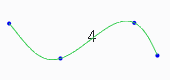 |
Control points | 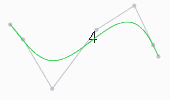 |
Both | 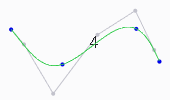 |
Surfaces | |
|---|---|
Knots | 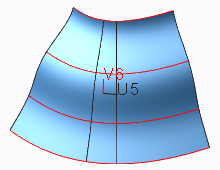 |
Control Mesh | 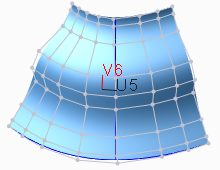 |
Both | 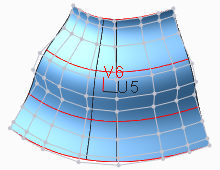 |