Solid Model Revolving Around a Centerline
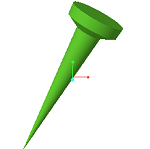
1. On the Revolve dashboard, click Define to create a sketch as a basis for your 3D geometry.
2. Select a sketch plane and click Sketch.
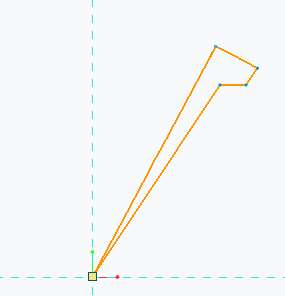
3. Sketch a closed section.
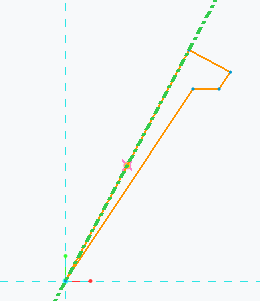
4. Add a centerline to use as the axis of revolution. All lines of the sketched shape must be on one side of the centerline.
5. Click  to finalize the sketch.
to finalize the sketch.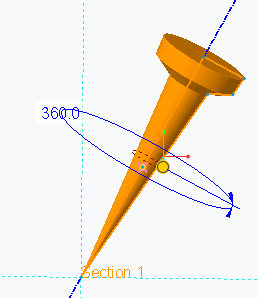
6. Click to finalize the solid model.
to finalize the solid model.