About Showing Mate and Align for the Coincident and Distance Constraints
When when you set the place_comp_use_mate_align_type configuration option to yes, the Coincident and Distance constraints defined in new and previous versions of Creo+ shows the Mate or Align type. These constraint types displays in the following places:
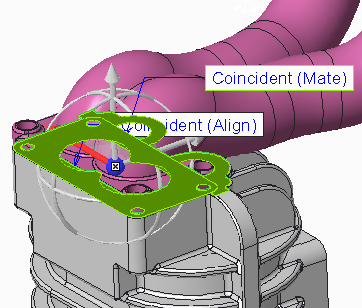
• The graphics window placement tags
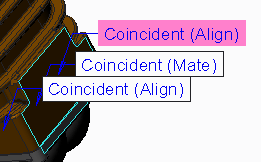
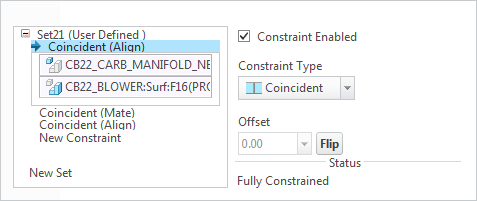
• The Placement tab constraint collectors
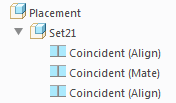
• Model Tree Placement nodes:
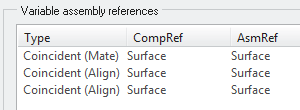
• The Repeat Component dialog box constraint list
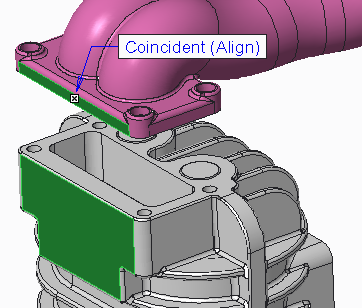
In the figure below, the side surface of the part being assembled is aligned to the side surface of the assembly reference with a Coincident (Align) constraint.
In the figure below, the bottom surface of the part being assembled is mated to the top surface of the assembly reference with a Coincident (Mate) constraint.