Completing the Setup Wizard
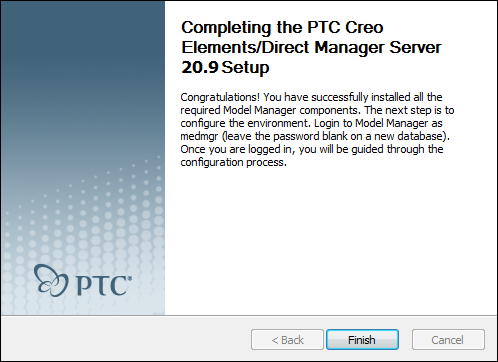
Congratulations! Click Finish to complete the installation process.
New installation
Now it's time to log in to Creo Elements/Direct Model Manager as medmgr (leave the password blank on a new database). After you do, you will be guided through the initial configuration steps.
Reconfigure existing installation
Log in to Creo Elements/Direct Model Manager as medmgr with the existing password.