Choose Install Location
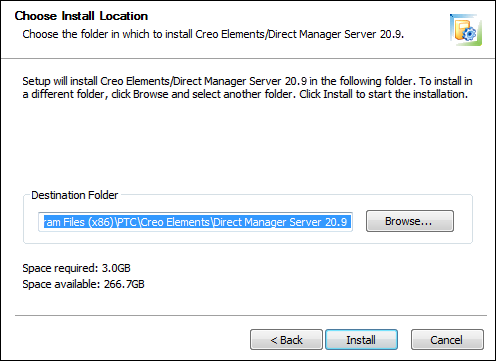
Creo Elements/Direct Manager Server will be installed in the Destination Folder. To choose another location, click Browse.
Location of database backup files
An installation using a pre-installed database (any edition of Microsoft SQL Server or Oracle) does not include an automatic database backup.
If you choose a different folder, the database backup will not be saved in the default location. The default location for the backup files is
C:\Program Files\PTC\Creo Elements\Direct Manager Server data
Installing to a different drive or folder puts the backup files in
<your drive>:<your location>\Creo Elements\Direct Manager Server data