Configure the Web Services Server
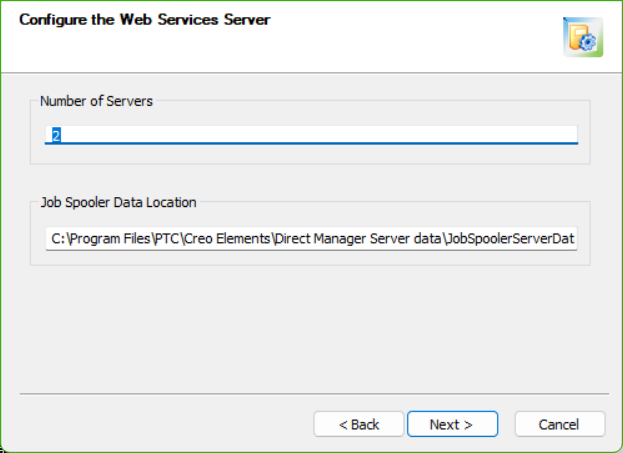
This page opens only if you are installing the Web Services Server.
• Number of Servers: The default of 4 is appropriate for most applications. A large user community should add additional servers.
• Job Spooler Data Location: A directory where the Job Spooler temporarily stores input/output data. The default location is
C:\Program Files\PTC\Creo Elements\Direct Manager Server data\JobSpoolerServerData
When a job executes, the Job Schedule Processor uploads the data and triggers execution. After the job executes, the results are stored here until retrieved by the Job Schedule Processor. The temporary data is then deleted.
Click Next to continue.