Introduction
The Creo Elements/Direct Drafting copilot functionality provides dynamic visual feedback on an element's attributes (angles and dimensions) before you fix the position. This dynamic feedback lets you create designs quickly and minimizes the need for construction geometry.
You can also enter values using the keyboard as usual if you need greater precision in size and positioning.
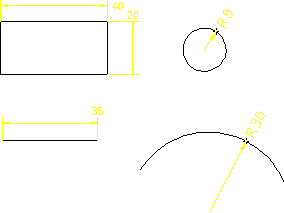
The following figure shows an example of the on-screen feedback provided by the copilot functionality when you create geometry.
Copilot Functionality: Typical Feedback
The snap marker (magenta box) over the cursor indicates that you are in copilot mode and about to click a start-point.