Windows User Interface
>
Creo Elements/Direct Drafting User's Guide: Windows User Interface
>
Dimensioning a Drawing
>
Dimension Line Settings
>
Line Settings
> Dimension Line Width
Dimension Line Width
1.
Click the
Line
tab in
Dimension Settings
.
2.
Enter the required value (such as .
25
) into the
Width
field.
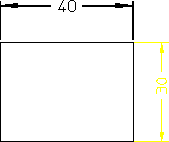
Dimension a drawing element to see the effect of the changed dimension line width.
Dimension Line Width
Was this helpful?
This site works best with JavaScript enabled