Loading the Drawing
Proceed as follows to load the drawing file provided for this tutorial in Creo Elements/Direct 2D Access:
1. Start Creo Elements/Direct 2D Access.
2. Pull down the File menu and click Load File.
3. Select example.mi from the File Browser and then click OK to load this drawing file.
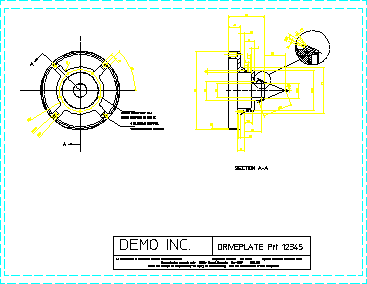
The drawing will now load into viewport 1 as shown below.