Sharing the Test Coverage Browser
The link to the test coverage browser with the applied filters can be shared.
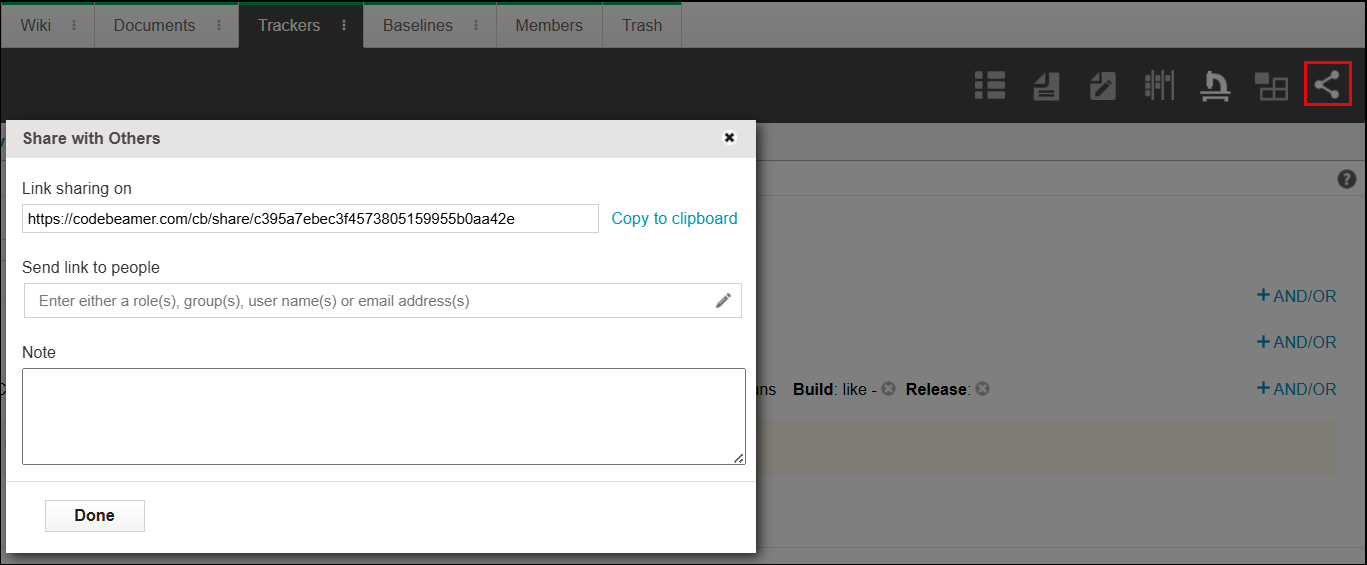
Click the  in the toolbar, the Share with Others window opens.
in the toolbar, the Share with Others window opens.You can copy the link to share with others or you can add roles, groups, user names, or email address to the Send link to people field to specify with whom you want to share the test coverage browser.