Setting the Default View for Releases
To set the default view for the Release Tracker to either Planner View or Release Dashboard:
To set the default view for Releases, follow the steps below:
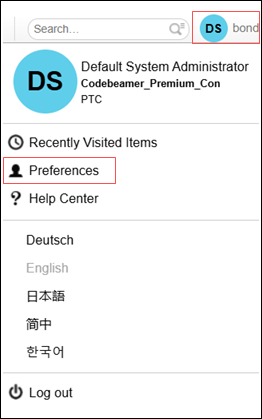
1. Click the Settings menu in the top right-hand corner, and select Preferences.
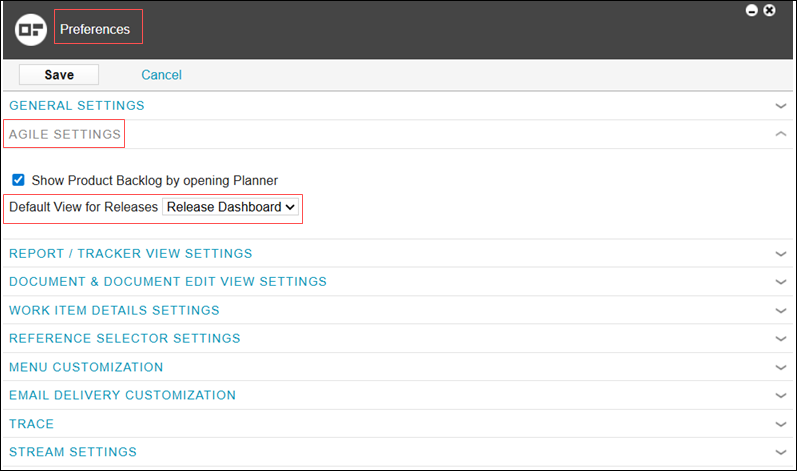
2. In the Preferences window, select AGILE SETTINGS. Select the checkbox next to the Show Product Backlog by opening Planner if you wish to view the product backlog when the planner opens.
3. Choose your preferred default view from the drop-down menu in the Default View for Releases field. You can select either of the following views:
◦ Release Dashboard
◦ Planner
4. Click Save.