Browsing Baselines
Select the Baselines tab to open the BASELINES page. The BASELINES page lists all the baselines in the project.
To view the properties of the baseline, click the corresponding properties icon  available on the BASELINES page. You click the selected baseline or click the Browse link in the properties view to review the baseline content.
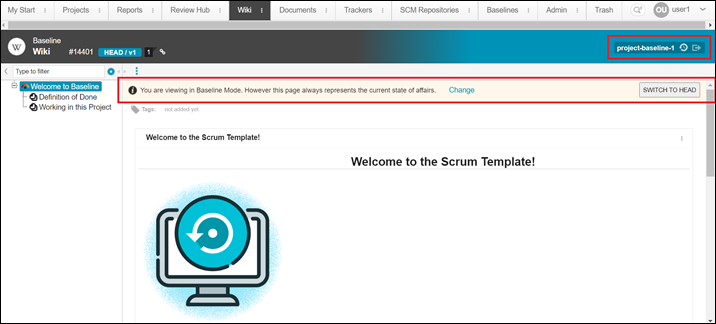
available on the BASELINES page. You click the selected baseline or click the Browse link in the properties view to review the baseline content.The heading in the top-right corner of the screen shows which baseline is displayed. A text box at the top of the page provides information on the baseline mode. You can switch to another baseline or the head baseline from either location.
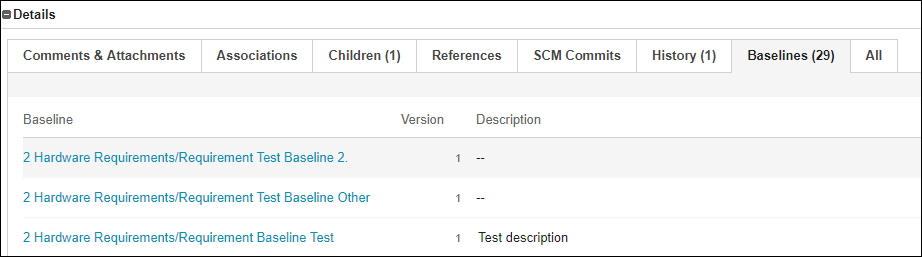
You can view the baselines for a specific tracker in its Baselines tab.
When browsing a document baseline, only the Documents main menu is available.