Importing Hierarchies
Codebeamer can create hierarchical (parent–child) relationships during Excel import based on indented values in a selected column. The indentation level determines the hierarchy structure.
You can use Excel’s Increase Indent button to add indentation, or use tab characters when importing from CSV files.
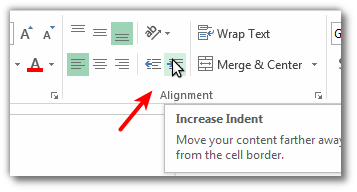
For example, when the Name column contains indented values:
APPLE

   BANANA

PEACH

   PLUM
Then the four newly created issues will be in the same parent-child hierarchy, i.e. the BANANA will be child of APPLE and PLUM will be child of PEACH Like this:
APPLE
   └── BANANA
PEACH
   └── PLUM
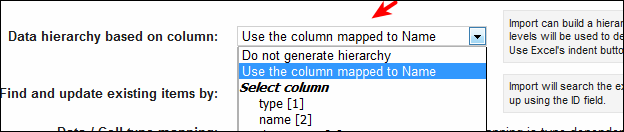
For more details, see Excel Round-trip and Excel import and Exporting hierarchy of Work items to Excel using custom templates