Getting Started: Exporting Customized Excel Templates
To use customized Excel templates for exports, on the top left of the tracker page or in Document View page, do the following.
1. In Table View or Document View of the relevant tracker, click  and select Export to Office.
and select Export to Office.2. On the Exporting Items window, click tab MS Excel.
3. Select an Excel export option and use customized Excel templates.
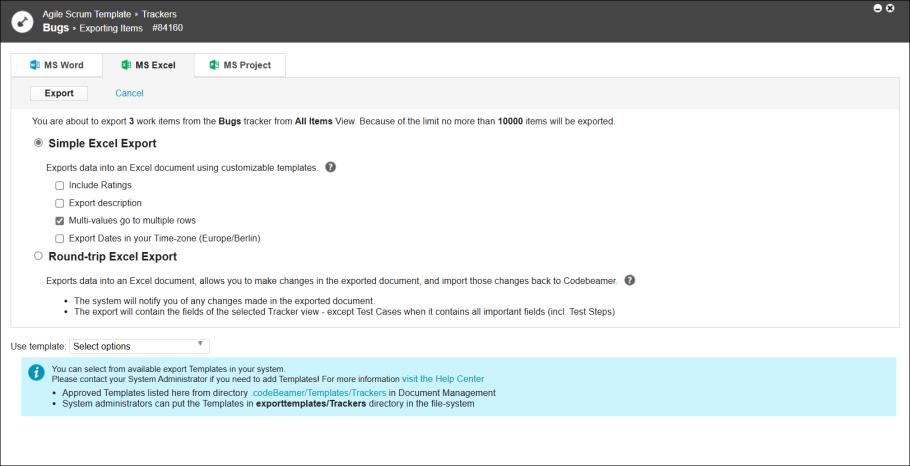
4. After selecting the export option, to select from the previously uploaded Excel templates in the Document Manager, clickUse template dropdown list and select the template.
5. Click Export.