Configuring Excel Export Default Settings
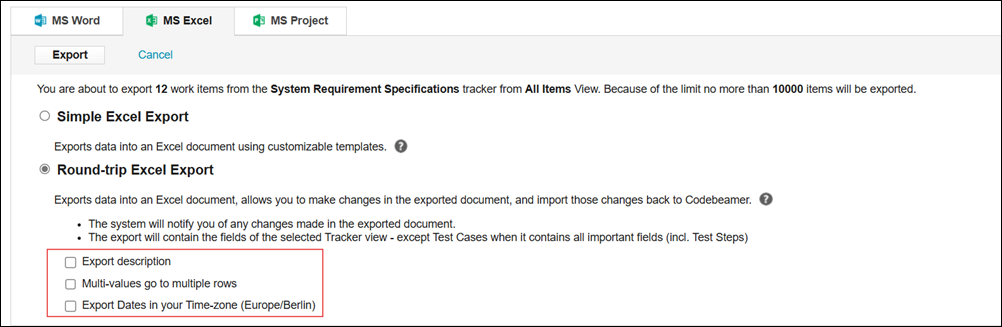
The following settings on the Exporting Items page control the format of the date, multi-value choice, and description fields:
• Export description: If selected, exports the description of the item.
• Multi-values go to multiple rows: In the exported excel sheet, multiple values of choice fields are displayed in separate rows.
• Export Dates in your Time-zone (Europe/Berlin): If selected, values of date fields are exported in your time zone.
You can configure Excel export's default behavior on the Application Configuration page by adding the following:
"excelExport": {
	"exportMultiValuesToMultiRows": "true",
	"addDescriptionToExcelExport": "false",
	"exportDatesAsUserFormattedStrings": "false"
}