Requesting Authentication-User Signature for a State Transition - e-Signature
If there are regulatory requirements for some kind of electronic/digital signature, or you only want to make sure, that the logged in user has submitted a state transition and not somebody else. You can associate the Validate the user signature (password) action with critical state transitions.
 |
SSO is not supported by this feature.
|
In order to use Validate the user signature (password), you first have to:
• Add a new custom Signature field to the Approvals tracker and this field should be mandatory in the target status of the transition.
• If regulations are stricter and require two distinct identification components, for electronic signature, add an additional Signer field.
For more information, see Validate the User Signature (Password).
For example, additionally secure the Accept transition of the Approvals tracker from the Forking sub-processes from processes (work items):
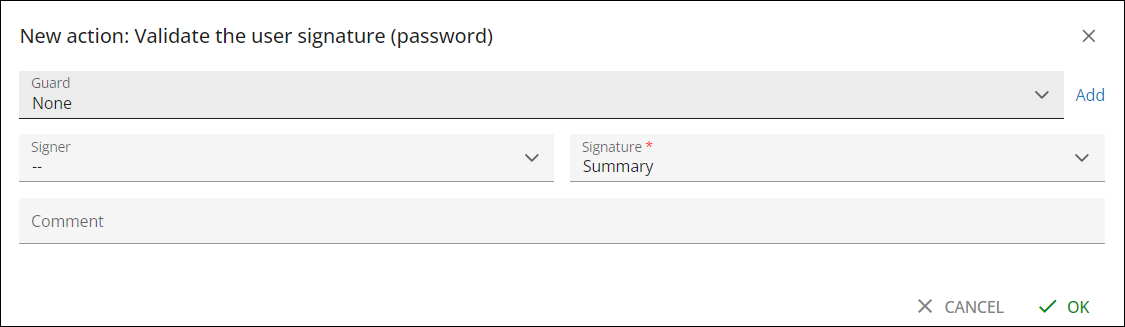
With all these configurations in place, upon execution of an Accept transition for the Approvals tracker, the additional Signature field is displayed and the user has to enter password in this field in order to successfully submit the transition.
Or, if you have configured Signer and Signature.
There is a modified WorkflowDemo project template WorkflowDemo.zip attached to this wiki page, that allows to setup a Forking sub-processes from processes (work items) example in addition to the Signature/Authentication features described there.
There is also WorkflowDemo3.zip, that shows the Signature/Authentication feature with two distinct identification components: Signer and Signature.
Parent topic