Remarking Table View Result
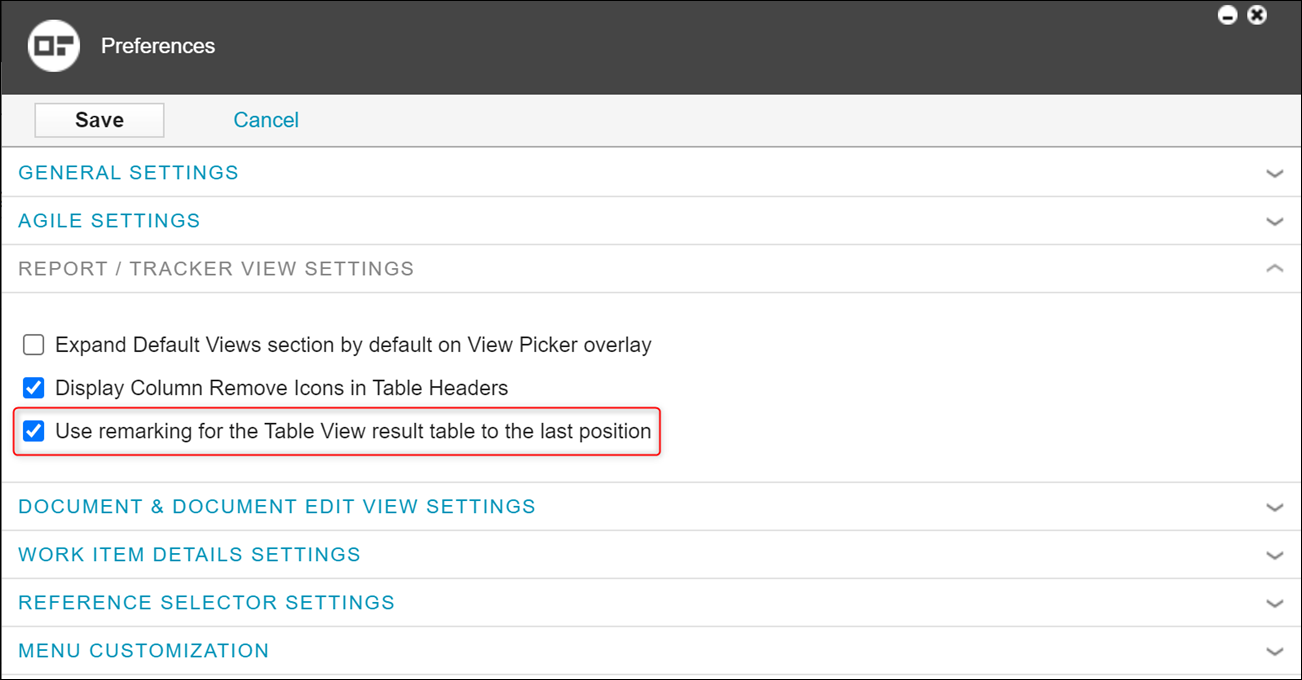
This feature is configurable. You can select or clear this functionality in the Preferences window. This option is not selected by default. This feature is based on the Navigation to Work Items and it is called as an extended version of the same because of the following reasons:
• Provides paging to the marked item after page reloading.
• Highlighting the marked item after reloading:
◦ Highlights with orange color if the position is not changed.
◦ Highlights with grey color if the position is changed.
• Storing the Show All value
• For Traceability Table View this functionality is supported only on the initial level.
To access this option, you must click the name of the user located on the top-right corner and select Preferences to open the Preferences window.
 |
This feature works only in the Table View, Traceability Table View, and Reports page.
|