The Product Backlog
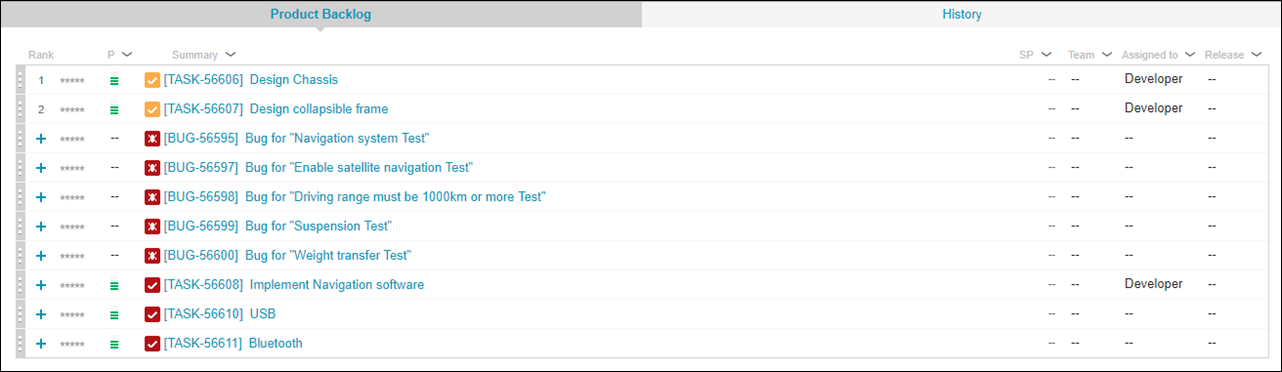
The Product Backlog is divided into two sections. Only one section is visible at a time.

The Product Backlog section lists work items with no target release set. The History section contains the work item history for the logged-in user.
The Product Backlog is also available directly from the Dashboard view.

All actions on work items in the Product Backlog require sufficient permissions. If there are multiple requirement trackers, the application uses the permissions of the default release tracker, or the oldest one for such actions. User must have Item - Edit Any permission to execute actions in the Product Backlog.

Ordering Product Backlog
The Product Backlog has an ordered and unordered part. Only the ordered part supports the ordering of Work items. By default, the ordered part is empty. To add an item to the ordered Product Backlog you can use the Work Item  more menu or click the
 icon.
icon.
more menu or click the icon.