Automatic Reviewer Role Setting
In Codebeamer the automatic selection of the reviewer's appropriate role during you sign an event is available. To enabled this feature, enter the below given configuration in the Codebeamer Application configuration.
"review" : {

"restrictRolesBasedOnFieldConfiguration" : true

}
Default value: false.
If set to true:
• The reviewer's role is pre-selected in the review action dialog if the field assigning the reviewer to an item accepts only one specific role. This pre-selected role cannot be altered by the user.
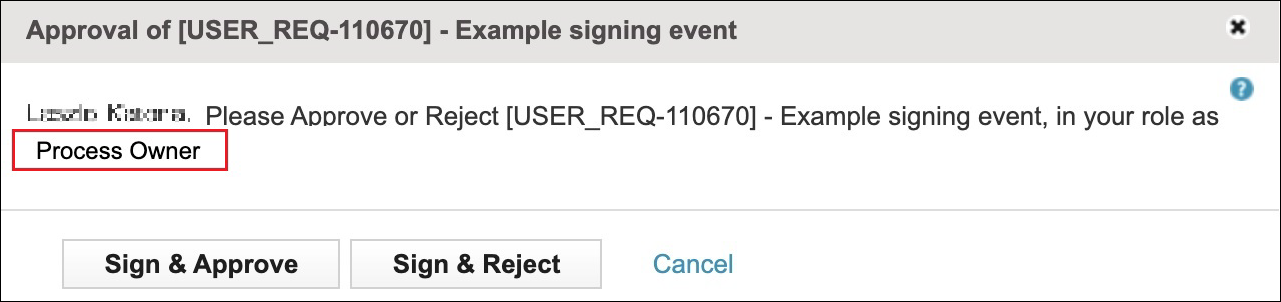
• The reviewer can select from a restricted list of roles displayed in the review dialog if the field through which they are assigned accepts multiple roles.

This feature is applicable when performing a Mass review operation with some minor changes:
• The list of the selectable roles is computed based on all the selected items. When a user is added to an item in a specific role, that role is displayed in the role selector list.
• In case the selected user role is not applicable to one of the items of the mass review, an error message is displayed.
Mass review of selected items
In Codebeamer a batch of multiple selected items can be reviewed at once. See Mass review.