Browsing Baselines
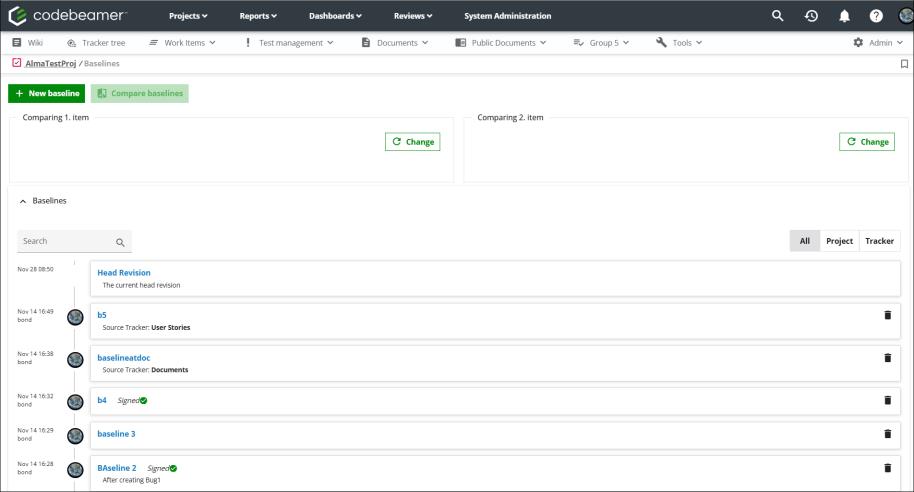
To view all the baselines in a project, select the > option on the main toolbar to open the Baselines page. The Baselines page lists all the baselines in the project.
To view the baselines of a specific tracker, open the tracker and select the  tab on the tracker page.
tab on the tracker page.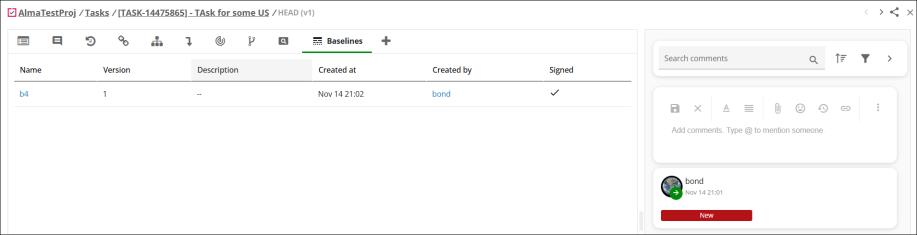
The tracker title shows the baseline version that is being displayed.
Parent topic