Swagger V3 Tracker Configuration Endpoints
From Codebeamer release 2.1, the following tracker configuration endpoints are available:
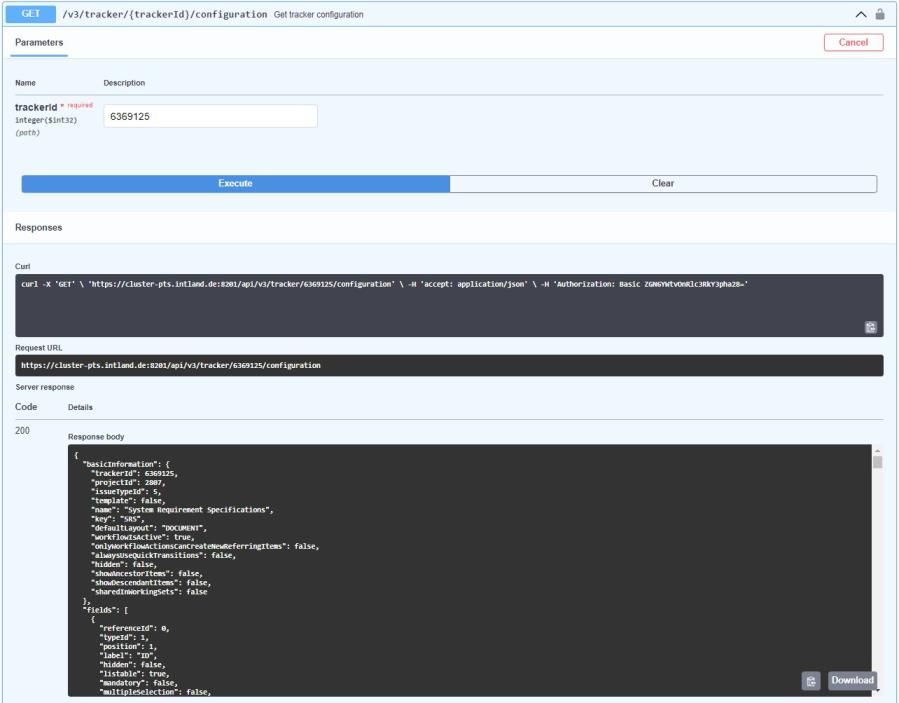
• Get Tracker Configuration - GET/v3/tracker/{trackerId}/configuration
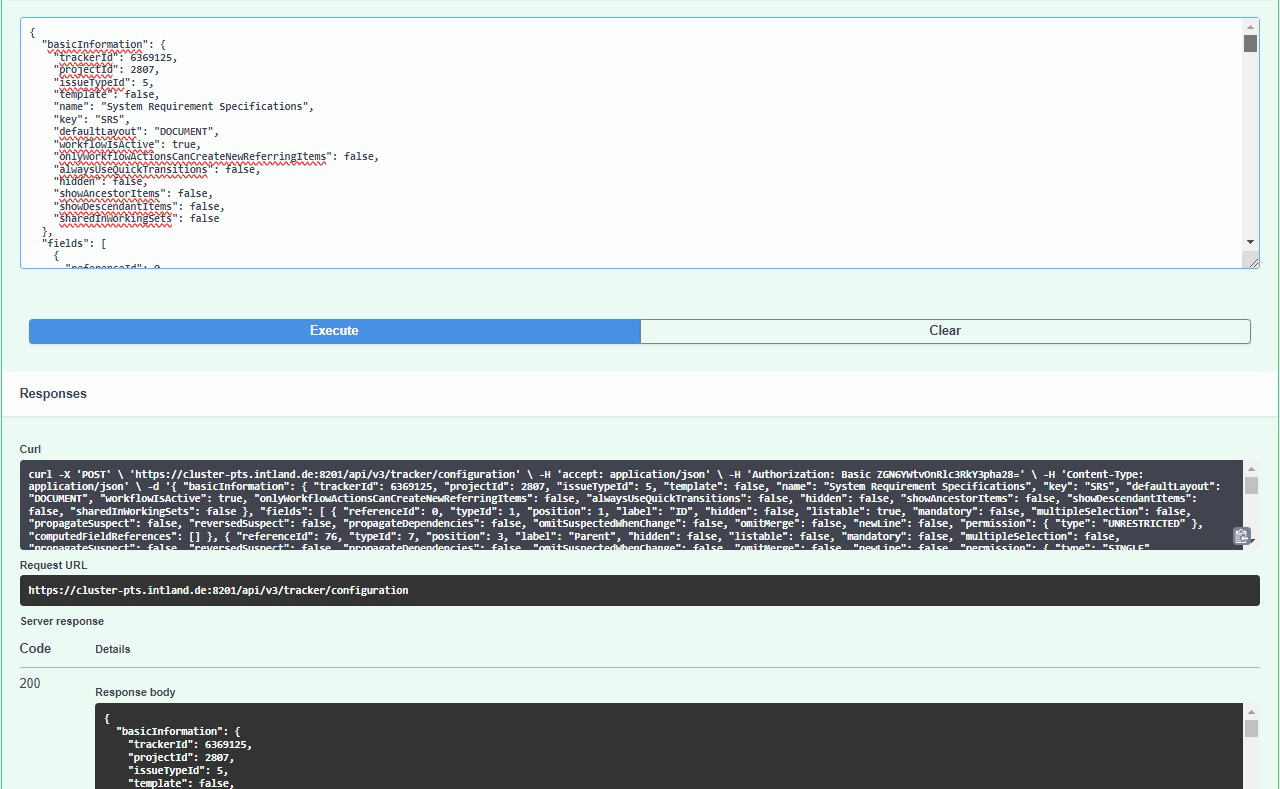
• Create or Update Tracker Configuration - POST/v3/tracker/configuration
Get Tracker Configuration
Based on trackerId, the Get Tracker Configuration endpoint returns the settings of the General and the Fields tabs in the Configuration menu of a specified tracker on the user interface.
URL
GET /v3/tracker/{trackerId}/configuration
User Interface
Create or Update Tracker Configuration
Use the Create or Update Tracker Configuration endpoint to manage the settings of the General and the Fields tabs in the Configuration menu of a tracker.
With this endpoint:
• You can change existing tracker configurations.
• You can create new trackers with the General and Fields configuration settings similar to as the source tracker, or with modified settings.
Using the tracker configuration JSON of a tracker as a source, deleting its trackerId and clicking Execute, a new tracker is created with the same General and Fields configuration settings as the source tracker. Navigate back to the user interface, and reload the page to display the newly created tracker.
If a non-existing trackerId is provided in the JSON, the API request fails.
After making the changes, click Execute and reload the user interface to synchronize the changes.
 | The POST/v3/tracker/configuration endpoint allows the modification of all configuration settings of the General and Fields tabs of the tracker configuration in JSON format. Always re-check the accuracy and necessity of the changes you want to perform for avoiding configuration errors. |
URL
POST /v3/tracker/configuration
Steps to Update
1. Use the GET /v3/tracker/{trackerId}/configuration endpoint to get the General and Fields configuration settings of the relevant tracker.
2. Copy the JSON from the Response body.
3. Paste the JSON to the Request body of the POST /v3/tracker/configuration endpoint.
4. Modify the JSON for the required configuration changes.
5. Click Execute.