Create Baselines
Baselines can be created by clicking on the New Baseline link in the main Baselines menu, or the Create Baseline link in the tracker baseline overlay.
Baselines main menu:
Tracker baselines overlay menu:

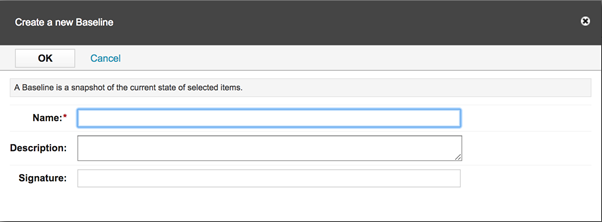
Specify the following attributes in the opened dialog:
• Name: the name of the baseline, this property is mandatory and it must be unique.
• Description: a short description of the baseline.
• Signature (pre 20.11-LTS Carmen): the baseline is signed by the current user if the user's password is given in this textbox.
• Generate Signature button (from 20.11-LTS Carmen): Generate an electronic signature for the baseline.
For more information about signature generation, see Generating Electronic Signature with SSO Login.
Before Codebeamer 20.11-LTS (Carmen)
From Codebeamer 20.11-LTS (Carmen)
