Users Page
The Users page provides information about the users of Creo Elements/Direct Modeling applications within your environment over a specific period.
You can access the Users page by selecting Users from the Go to page list on the dashboard.
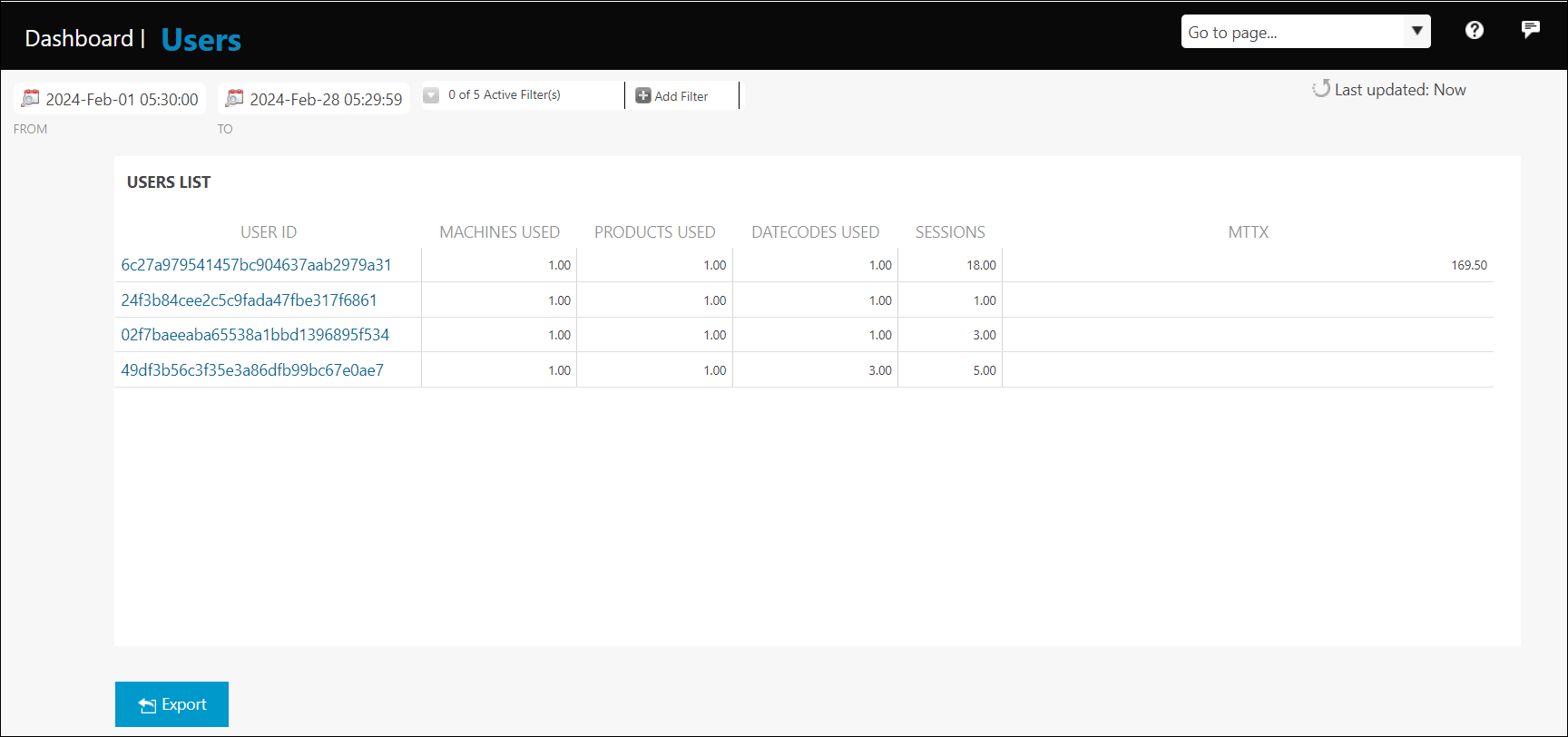
Use Add Filter to filter user data in your environment.
Click Export to export the user database to a .csv file.
Click a column title to sort the table on that column.