Machines Page
You can access the Machines page by selecting Machines from the Go To page list on the dashboard. This page displays the list of machines on which Creo Elements/Direct Modeling applications are used. Set the FROM and TO dates to view historical data.
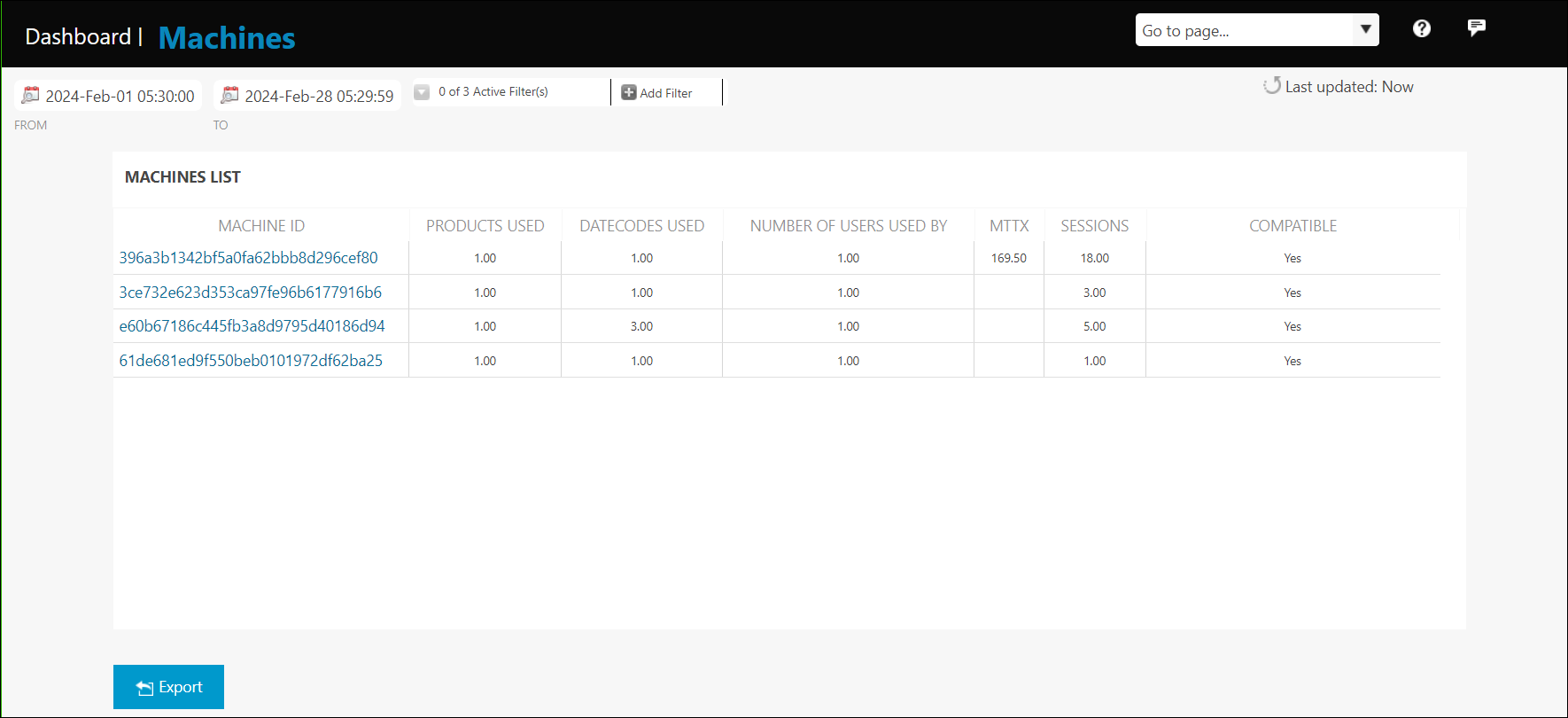
The MACHINES LIST table contains the information described below:
• Number of users who worked on a machine
• Number of Creo Elements/Direct Modeling applications used, for example Creo Elements/Direct Modeling and so on.
• Number of datecodes of Creo Elements/Direct Modeling used
• Information about the duration of sessions in minutes
• Mean time to exit for the sessions in minutes
Click Add Filter to add filters and narrow the selection on this page.
Click Export Data to save this information to a .csv file.