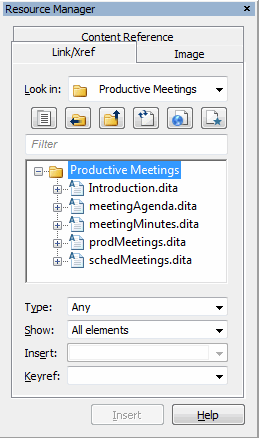
 toolbar button. In some cases, the Resource Manager opens when you do an editing operation related to inserting references in a DITA topic. For example, when you choose > the Resource Manager appears docked to the left side of the Arbortext Editor window with the Image tab active.