Creating an Asset
 Note
Note
To create an asset, complete the following steps.
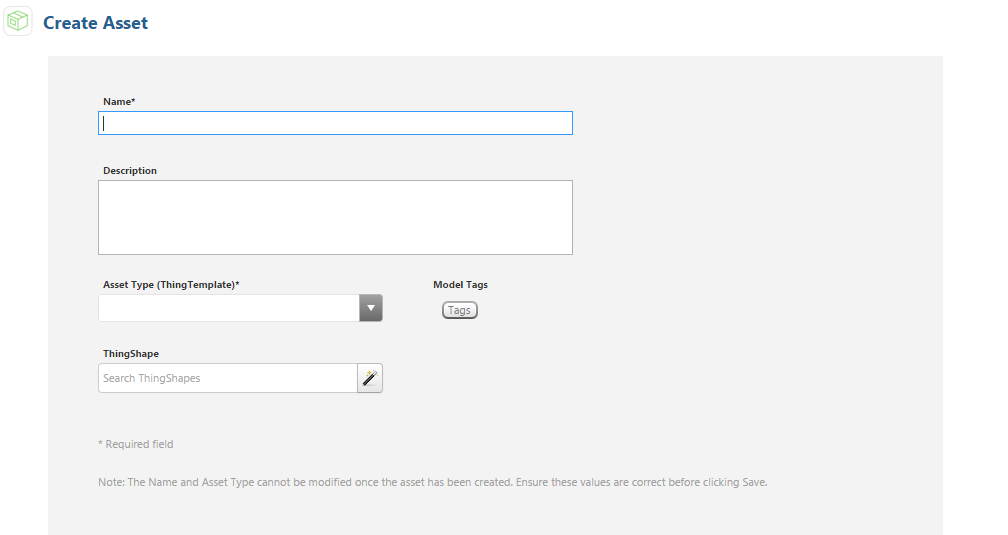
- In the ThingWorx Asset Monitor, click Create Asset.
- Enter a unique name for the asset in the Name field.
- (Optional) Enter a description.
- Select an asset type from the Asset Type (ThingTemplate) drop-down.
- (Optional) Select a thing shape.
- (Optional) Assign the asset model tags.
- Click Save.